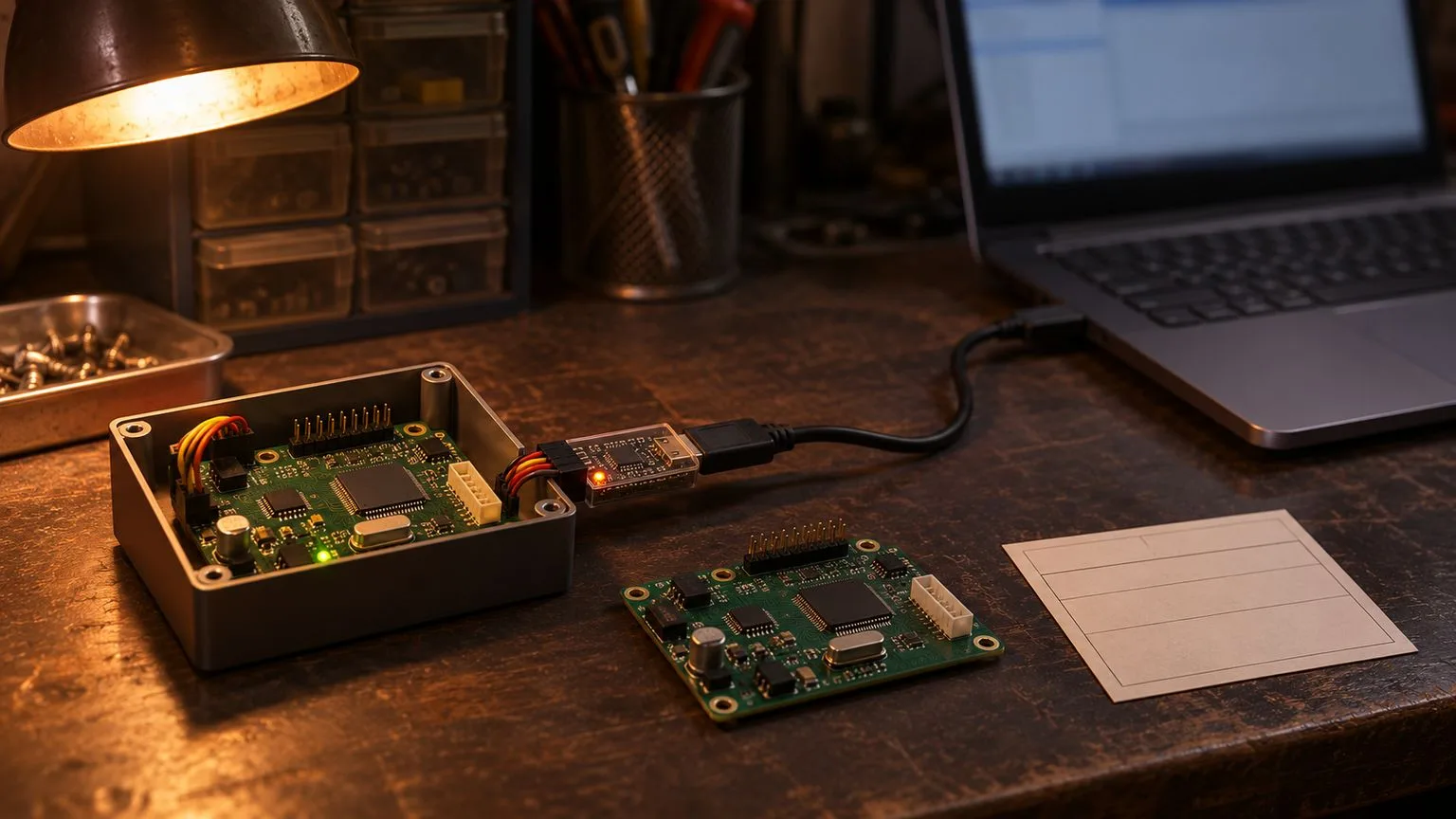
An ESP32 OTA update failed, and a device in the field now reboots, returns to an older build or stops reporting. The first response should be diagnosis, not an erase-and-flash reflex. A useful incident record contains three pieces of evidence: the reset reason, the serial ROM and bootloader log, and the OTA image state. Together they can distinguish a bad application, an intentional rollback, a persistent configuration fault and an image the bootloader refused.
An update broke the device: what you can still learn from it
Ask whether the device starts at all, whether it runs the new firmware, and whether it connects to the service after boot. Those are different failures. Note the last known good build, board revision and exact firmware artifact if available. Preserve logs before doing anything that destroys flash state.
An application that is alive long enough to report diagnostics can provide a reset reason and application version remotely. A boot loop may require local serial access. If the unit is offline and there is no safe local recovery path, your options may already be limited. This guide concerns recovery from a failed update. For release process and health-gate decisions, use ESP32 OTA in production.
Read the reset reason and boot evidence before touching flash
Call esp_reset_reason() early and retain its value in a persistent diagnostic record when possible. ESP_RST_PANIC suggests an exception; ESP_RST_TASK_WDT or ESP_RST_INT_WDT suggests an application or interrupt-level stall; ESP_RST_BROWNOUT points to a supply problem; ESP_RST_POWERON tells you power was cycled; ESP_RST_SW points to a software-requested reset. These are clues, not proof that the update itself caused the reset.
Read the ROM line commonly formatted as rst:0x.. boot:0x.. and the following bootloader messages. The chip and ROM generation affect the exact format. Look for partition choice, signature validation, image headers and reset loops. In application diagnostics, compare esp_ota_get_running_partition() with esp_ota_get_boot_partition(); use esp_ota_get_state_partition() to inspect an OTA slot's image state when supported. A running older image alongside an invalidated new slot is different from an update that never reached a bootable state.
Before erasing anything, capture a core dump if configured, copy serial logs and consider an esptool read_flash backup where security settings permit it. A raw flash dump may contain sensitive information and must be handled accordingly. Avoid distributing it as an ordinary bug attachment. The Espressif OTA API reference and reset reason API are the basis for the diagnostic names discussed here; check target-specific support in your pinned ESP-IDF version.
Failure mode 1-2: boot loops and silent reverts
Failure mode 1: new image boot loop without working rollback. The device starts the new image, panics or trips a watchdog before it is operational, and repeats. You may see recurring panic traces and the new app's version. If rollback was not configured or the image is no longer eligible for rollback, a remote fix requires a functioning updater or recovery path. Merely waiting will not restore a broken application.
Failure mode 2: silent revert when rollback is active. The update appears to download successfully, but the device keeps reporting the previous version. Boot logs and OTA states can show that a newly selected image did not confirm successful startup and was marked invalid before the previous app resumed. This may be correct bootloader behaviour, not a failed download. Consult how app confirmation and rollback interact rather than removing the confirmation step in panic.
Failure mode 3-4: boots fine, works wrong
Failure mode 3: persistent data or NVS schema incompatibility. The application boots but reads keys written by a new version that an older rollback image cannot understand. Configuration may be missing, corrupted from the application's perspective or interpreted with a different schema. NVS state persists across ordinary application slot selection. The evidence is a successful application boot with decoding or validation failures and unchanged persistent records. Recovery requires a compatible migration or a deliberate, data-aware reset, not an indiscriminate full erase.
Failure mode 4: network identity or time policy mismatch. The device runs but remains offline. Credentials may have been replaced, certificates may have changed, or the device's clock may make certificate validation fail. Look for normal app startup followed by association, TLS or authentication errors rather than watchdog traces. A remotely delivered correction is possible only if some trustworthy communication or provisioning channel still works.
Failure mode 5-6: refused images
Failure mode 5: incompatible image or partition limit. The binary targets the wrong chip or board assumptions, a different flash mode or size, or an OTA slot too small for the resulting image. Evidence includes rejected headers, load failures, errors while writing the slot or a mismatch with known hardware metadata. A standard application OTA writes an application slot; it does not ordinarily replace the bootloader or partition table.
Failure mode 6: security-policy rejection. Secure Boot signature verification, flash-encryption configuration or anti-rollback security version can make an otherwise complete image unbootable. Look for explicit verification or security-version errors in the boot log. Do not treat these checks as obstacles to bypass; they express the device's provisioned security policy. Determine whether you can still produce an authorised, compatible signed image.
The recovery ladder: from cheapest to most expensive
Follow this order, advancing only if the prerequisite is met.
1. Push a corrected compatible app remotely when the unit still has trusted network access and a functioning updater.
2. Select a known-good image or trigger supported rollback when a valid image remains in flash and the bootloader's state permits it. Never assume rollback also reverses NVS changes.
3. Use a product safe mode or recovery channel when the installed firmware exposes one and authentication still works.
4. Use local serial or USB download mode with esptool only when physical access and security policy allow it. Preserve logs and flash first. On a layout with a suitable factory or first OTA fallback, erasing only the otadata partition may restore selection of that app; check the actual partition table and offset before any command. This is not a universal recovery recipe.
5. Reflash a complete authorised image locally when compatible bootloader, partition-table and app artifacts exist and security settings permit it. Full erase destroys stored credentials and device-specific data.
6. Return for service or hardware replacement when physical repair is required or no trustworthy recoverable image and permitted flash path remain.
The operations team should record which rung worked, which data were lost and why earlier options were unavailable. Fleet-level diagnostics are discussed in DeviceOps for connected fleets.
When the device is truly unrecoverable by normal access
Release-mode flash encryption and Secure Boot, especially when UART download functions are disabled, can intentionally close local flashing routes. Anti-rollback eFuse settings may block every older signed image available to your team. A damaged bootloader can make boot selection impossible. These conditions do not prove all physical repair is impossible, but they can rule out ordinary remote and serial recovery.
eFuse changes are irreversible. Do not change them during incident triage. The interaction of eFuse security versions, silicon revision and the selected ESP-IDF release must be checked against Espressif's current target-specific security and anti-rollback documentation before provisioning or attempting recovery.
Turn the incident into a runbook
| Symptom | Evidence | Likely failure mode | Recovery path |
|---|---|---|---|
| New version repeatedly restarts | Panic or watchdog reset, new image boot log | 1. Boot loop | Recovery app or local authorised flash |
| Old version returns after update | Invalidated new slot, old running partition | 2. Silent revert | Correct image, review confirmation failure |
| Runs but settings fail | NVS/schema errors after otherwise normal boot | 3. Persistent data | Compatible migration or controlled data reset |
| App runs but is offline | Authentication, TLS, certificate or clock errors | 4. Network identity/time | Trusted reprovisioning path |
| Slot cannot accept or boot image | Size/header/target mismatch | 5. Wrong or oversized image | Rebuild compatible image, use functioning updater |
| Bootloader refuses image | Signature, encryption or version rejection | 6. Security rejection | Authorised image satisfying policy, possible service |
For the next incident, make the application report a reliable version identifier, the last reset reason and a compact update-state or failure code that survives a restart. Preserve a documented recovery entry point where the product's security policy allows it. That is a diagnostic requirement, distinct from designing the release workflow. Review the broader production readiness checklist before shipping the next revision.